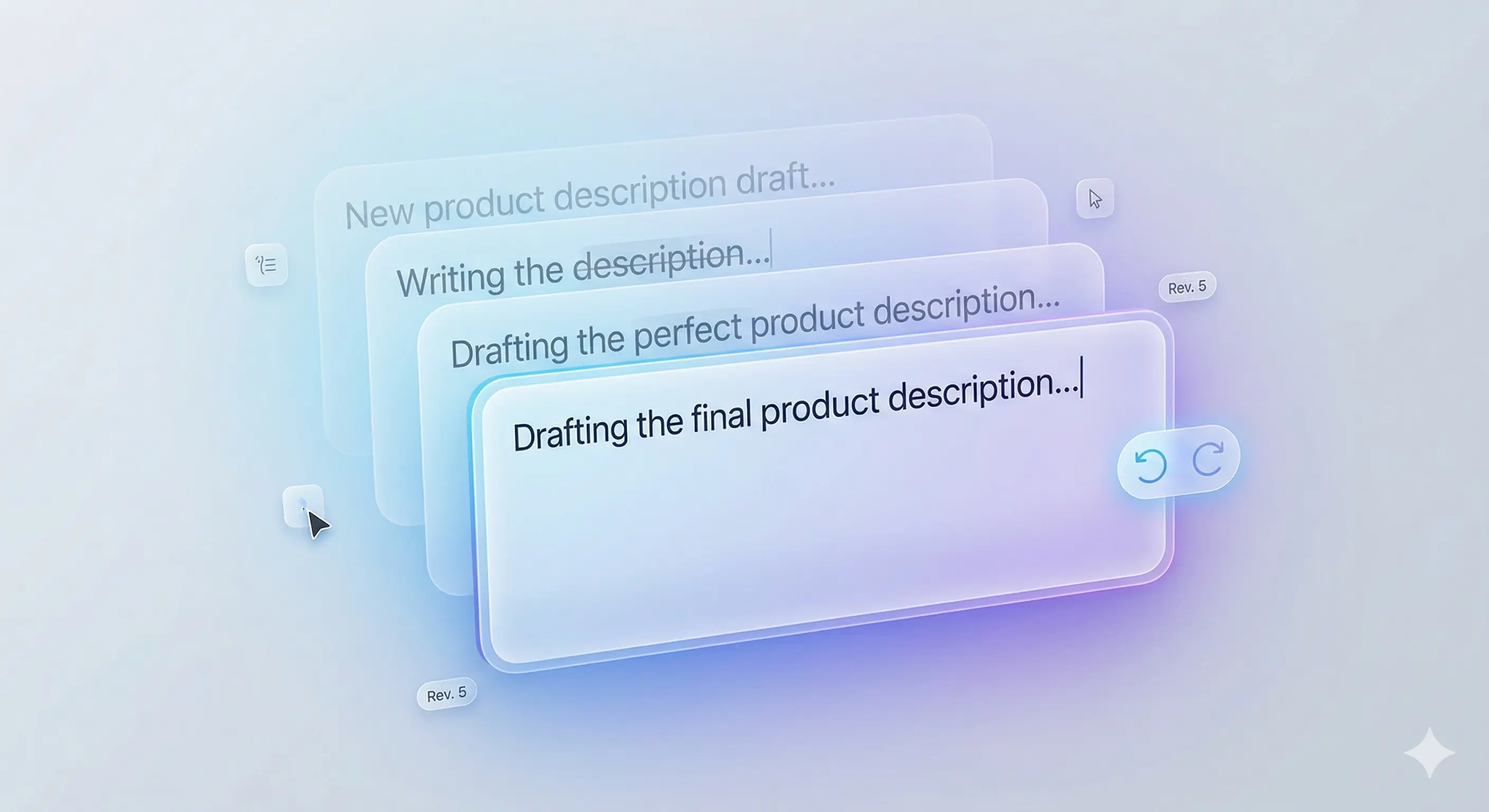
You keep rewriting the same message
You second-guess the wording, wonder if it sounds too strong, delete it, and rewrite it again.
No app switching. Stay where you are typing and rewrite messages for managers, clients, and coworkers in one step.
You second-guess the wording, wonder if it sounds too strong, delete it, and rewrite it again.
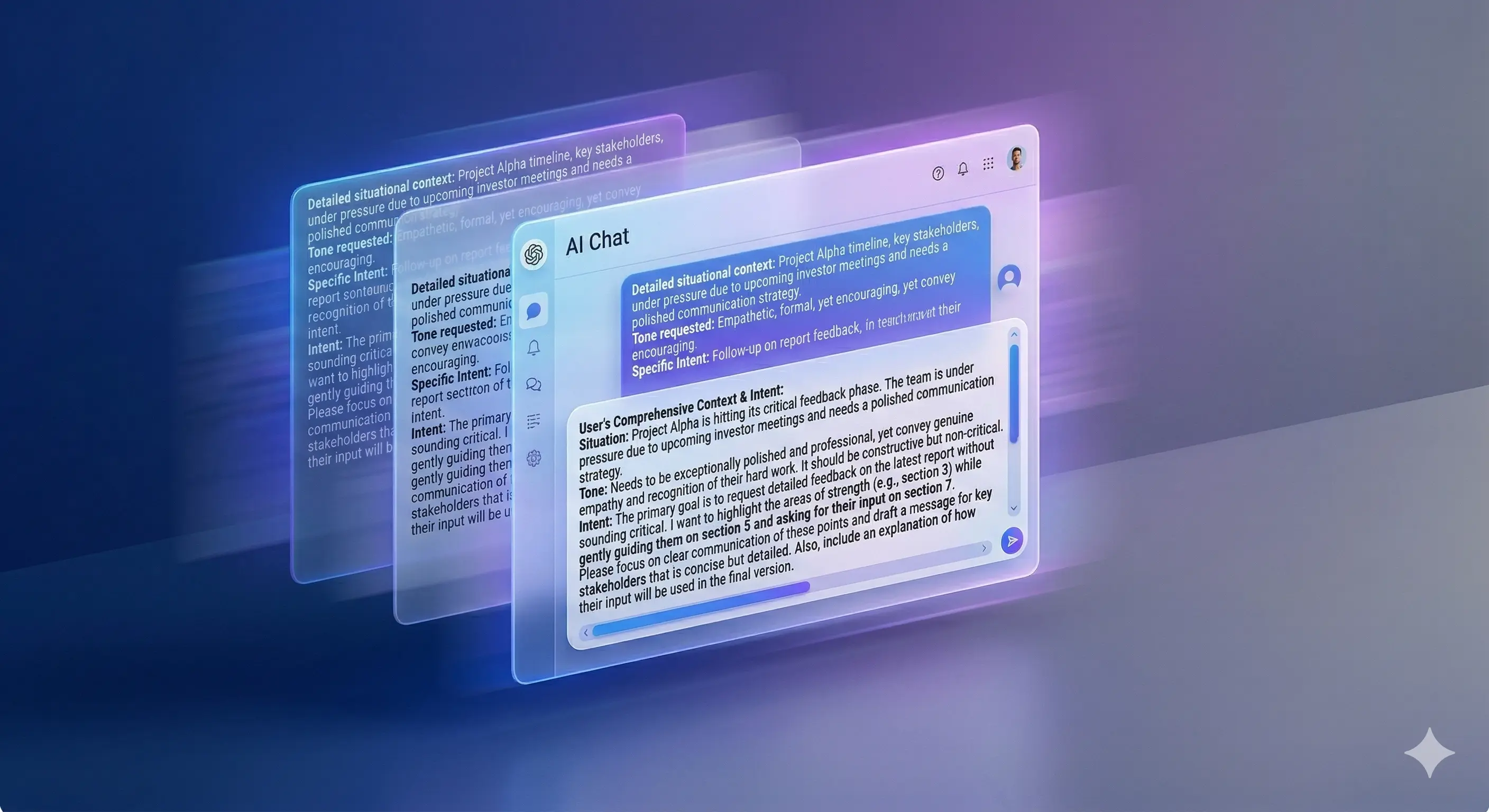
You still need to explain the situation, who the message is for, and what tone you want before you get anything useful back.
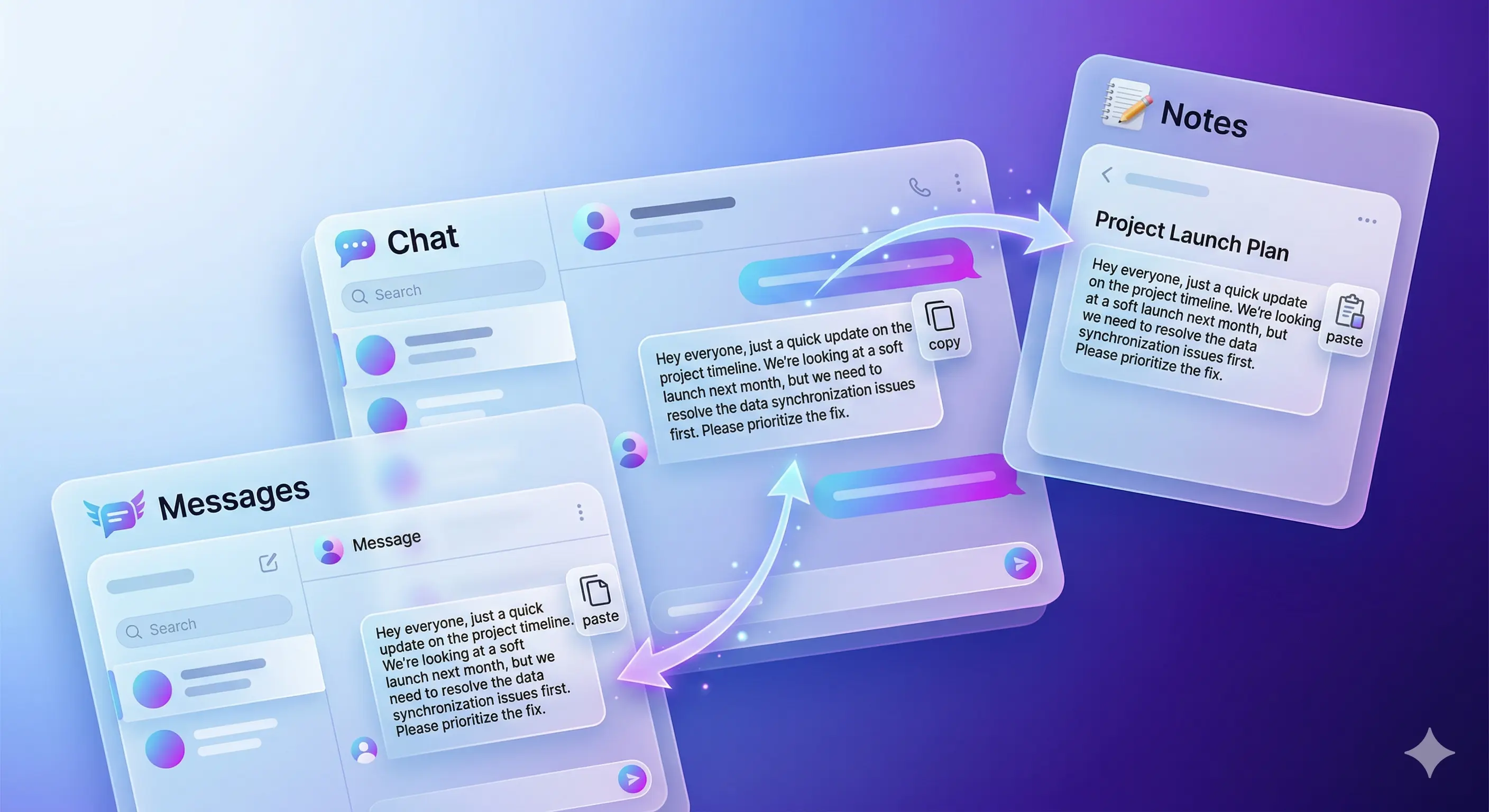
You paste into GPT, pick a better expression, and copy it back again. Even one message turns into a clumsy multi-step process.
Stay where you are already typing instead of jumping into another product just to clean up one work message.
Rewrite the message in place without copying text out, pasting it elsewhere, and bringing it back.
Adjust the tone for the person you are replying to while staying in the same message flow.
can you check this
Could you please review this when you have a moment?
how do i do this
Do you have a quick suggestion on the best way to handle this?
done
Your request has been completed. Please take a look when you have a moment.
running late can we move this
I am running a bit late on my side. Would it be okay if we moved this back by 20 minutes?
From quick chats to high-stakes messages,
ToneFit helps your words match the person and the moment.
Get access to Premium features before the official launch.
Early signups will get it free first.
The FAQ hub is designed for in-app browsing and direct search landing pages.
Open FAQ hubSee the exact path to add the keyboard, allow full access, and return to the app.
TroubleshootingCheck the most common causes first, including keyboard activation and globe-key switching.
PrivacyUnderstand why the permission is required for rewriting and what it does not automatically mean.
FAQ HubSee every category, including AI output guidance and future billing articles.